Put the caller on hold in a numbered spot, like 701, so anyone in your office can pick them up from their own computer, phone or desk phone.
Use parking when the person the caller wants isn't sitting next to you. Park the call, then tell your colleague where it is, for example: "Call for you on 701." They pick it up from wherever they are.
Do this while you're still talking to the caller. A small menu opens above the button.
The caller hears music while they wait. You're free to take your next call.
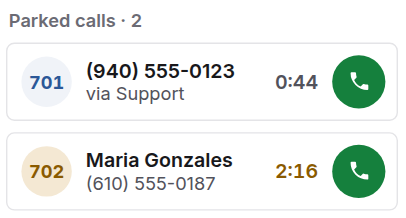
The caller now shows on your Phone screen, under Parked calls. The number in the circle is where they're waiting.
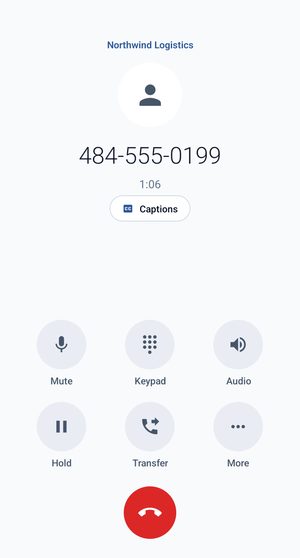
Do this while you're still talking to the caller. It's the bottom-right button, above the red hang-up button.
The app says Call parked. The caller hears music while they wait, and you're free to take your next call.
Open the People tab. The caller is listed at the top under Parked, with the spot they're waiting in, for example Slot 701.
Your colleague can use whichever is closest:
On the Phone screen, under Parked calls, click the green call button next to the caller.
Open People. Under Parked, tap the caller.
Dial the spot number, for example 701, and you're connected.
 Infradapt Voice